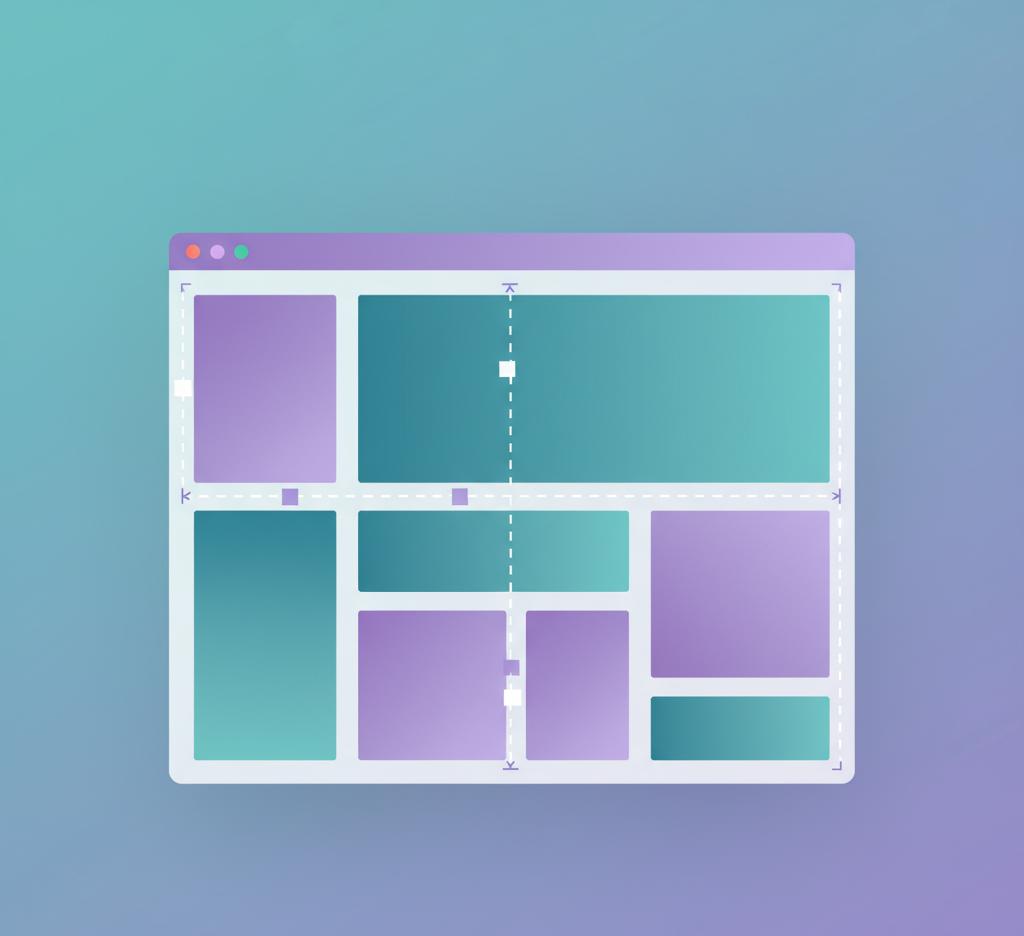
If HTML is the structure of the web, then CSS is the stuff that makes it look like someone actually cared. Most people don't think about it while scrolling through a website. They just assume the colors, fonts, spacing, and layouts magically look balanced for no reason. But someone somewhere made those decisions on purpose, and CSS is the tool that lets them do it.
CSS stands for Cascading Style Sheets. The name sounds like something invented in a government office, and honestly, it kind of feels that way until you see what it does. The idea is simple: keep the design separate from the content. HTML handles the content and structure. CSS handles how it appears. Without CSS, every webpage would look like a school project from 1996. Black text, white background, no spacing, no alignment, zero personality. The kind of page where even the browser seems bored.
A funny moment happened when I first learned CSS. I changed a heading's color to blue and thought I hacked the planet. Then I changed the font to something nicer and moved it 20 pixels down. That's when it clicked: CSS is about presentation. It's the difference between wearing clothes that fit and wearing clothes pulled straight out of a random lost-and-found box.
What CSS Can Control
You can change almost anything about how HTML displays. Colors are obvious. Fonts are common. But CSS goes deeper. It controls layouts, grids, spacing, flex containers, animations, hover effects, transitions, borders, shadows, background images, and so on. If you've ever seen a button grow slightly when you hover on it, that's CSS showing off without bragging.
One thing people misunderstand is why CSS even needs to exist as a separate technology. Why not just bake design into HTML? The short answer: separation keeps things flexible. Imagine if you printed a newspaper and glued the styling directly onto the text. If tomorrow you wanted to redesign the layout, you'd have to redo everything. With CSS, you keep your structure clean and apply different looks whenever you want. A single CSS file can style hundreds or thousands of pages at once.
How CSS Works
A small example makes this clearer. Suppose your HTML has:
<p class="info">Your order has shipped.</p>
Alone, that sentence just sits there. But in CSS you could say:
.info {
color: green;
font-weight: bold;
}
Suddenly the message stands out. And if you later decide you don't like the green, you just change it once in the CSS file and every "info" message across the entire site adjusts automatically. That's the beauty of cascading styles. One decision flows through the whole system.
If you poke around modern websites using Inspect Element, you'll notice there's a lot of CSS. Sometimes thousands of lines. And that's not because developers enjoy suffering. It's because design is surprisingly detailed. For example, spacing is a huge part of good design. Visitors might not consciously notice spacing, but they instantly feel when something looks cramped or sloppy. CSS handles all of that quietly.
CSS in Complex Websites
The more complex the site, the more CSS matters. Think of an online store. You're dealing with product cards, buttons, banners, filters, carousels, checkout forms, tiny disclaimers, rating stars, promo labels, modals, and so on. None of those elements can just float around with default browser styling. They need structure, hierarchy, and visual clarity. CSS gives shape to the experience.
Responsive Design
Another big part of CSS that sneaked in over the last decade is responsive design. People used to browse mostly on desktops. Now phones, tablets, TVs, fridges, watches, cars — everything has a browser. A website without responsive CSS looks fine on a laptop and disastrous on a phone. CSS media queries solve that. They tell the browser, "If the screen is narrow, change the layout." So three columns become one column. Big text becomes medium text. Images resize instead of spilling off the screen like a toddler's paint project.
Modern Layout Systems
There's also layout systems like Flexbox and CSS Grid. These sound intimidating but they're lifesavers. Flexbox helps align items in rows or columns. CSS Grid helps build more complex two-dimensional layouts. Before these, positioning was a nightmare. Developers used hacks like tables and floats to simulate layouts. It was messy in the kind of way that makes you question your life choices. Flexbox and Grid simplified that world a lot.
The funny part is how browsers interpret CSS. There's an order of rules. Styles cascade. If two styles target the same element, certain rules win based on specificity and position. This sometimes creates weird bugs. You change something in one place and something unrelated breaks somewhere else. Developers jokingly call it "CSS witchcraft" even though the logic is consistent — it just doesn't feel that way in the moment.
CSS Animations
Animations are another area where CSS shines. Before CSS, animations required JavaScript. Now you can animate transitions, fades, transforms, and even complex sequences. Buttons can pulse gently when hovered. Images can slide in. Cards can flip. None of this is mandatory for a website, but it adds polish. Humans don't just care about information. They care about how information feels.
Branding and Visual Identity
There's also the branding side. CSS controls the visual identity of a website. The brand colors, typography, spacing language, and graphical motifs all live in CSS. A bank won't style things the way a gaming website does, and a healthcare portal won't style things like a clothing brand. The user should feel the difference instantly. CSS enables that feeling without touching the underlying content.
Occasionally people ask if CSS is still relevant now that modern frameworks exist. The short answer is yes, absolutely. React, Vue, Svelte, Angular — they all rely on CSS. Even design systems like Material UI, Tailwind, Bootstrap, Chakra, and others are essentially CSS delivered differently. No matter how you wrap it, the browser still wants CSS at the end.
CSS and User Experience
CSS even affects how long people stay on a webpage. If a site looks ugly or confusing, users bounce. If the layout breaks on mobile, users bounce. If buttons don't look clickable, users get frustrated. So while CSS feels like decoration, it's tied directly to user experience and business outcomes. You can have great content and still lose users because the design made them uncomfortable.
Once someone understands HTML and CSS together, they start seeing websites differently. They can look at a landing page and mentally break it into blocks: here's a hero banner, here's a call-to-action button, here's a grid of features, here's a testimonial slider. The mystery fades and gets replaced with curiosity. That curiosity is what usually leads people into deeper web development.
Learning CSS
If you are learning CSS for the first time, expect a little chaos. Spacing will betray you. Alignment will laugh at you. Things won't sit exactly where you want them. And then suddenly one day flexbox or grid will click and layouts will stop feeling like wrestling with tape. It's kind of a rite of passage.
And here's the unglamorous truth: without CSS, websites would still work technically. They just wouldn't feel like modern websites. They'd feel like manuals. And people don't want to use manuals. They want experiences. CSS bridges that gap without needing attention or praise. It just exists quietly, shaping what we see online.